Have Copilot, but people hardly use it?
We check licences and permissions with IT, choose the modules together, and then send you an offer.
What will you say when someone asks what came of Copilot?
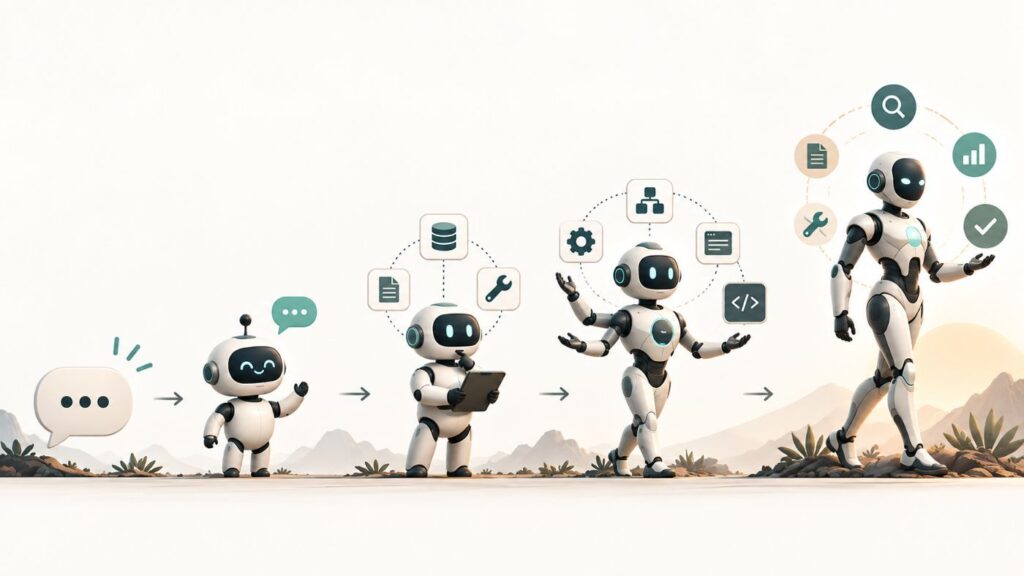
“Copilot: Think Outside the Prompt” is hands-on training in three four-hour sessions. It shows how to use the Microsoft Copilot you have already bought in daily work, how to build an AI agent with it, and how to automate a business process. Participants practise on their own laptops, and the impact is measurable in the Microsoft 365 admin center.
3 × 4 hours over a few weeks · modules can be booked separately · ISO 27001, ISO 9001 and ISO 14001
Some colleagues tried Copilot, then stopped at asking questions, writing text and summarising. Few know agents and automation. We hear the sentences below from HR and L&D leaders at large enterprises.
“Management asks where AI readiness stands, and I have nothing to show.”
Head of HR and L&D, large enterprise
“I can’t demonstrate the impact of training.”
Head of HR and L&D, large enterprise
“Staff quietly use public AI.”
Head of HR, large enterprise
“No surprises from the staff.”
Head of HR, large enterprise
Our expert will tell you whether it fits your situation.
Ask our expert
Describe the situation in a sentence or two. An expert in the field will reply to you personally within 1 business day.
The detailed curriculum says more than any promise: it shows this is not a feature demo. Each module has 90 minutes of theory and 120 minutes of hands-on practice together.
Demonstration and practice are not separate stages: whatever the trainer shows, participants do straight away on their own laptops. Modules can be ordered separately and combined. For the exercises we use fictional company data.
The three sessions fit into a few weeks, scheduled around your needs.
We check with IT which licences and access you have, and tailor the offer to that.
You choose the modules, then together we fix the dates and the group size.
In the three sessions, participants practise on their own laptops with fictional sample data.
We set a date a few weeks later, when you can already see how usage has changed.
When management asks what came of Copilot, you show the usage in Microsoft’s own admin center.
Who it is for: HR, L&D, innovation and digital leaders at large enterprises that already have Microsoft 365 and Copilot licences. The sessions are for office staff, process owners and members of the AI working group.
A laptop for every participant, a venue and an internal owner. We agree access to Microsoft 365, Copilot, Copilot Studio and Power Automate before the offer.
Three four-hour sessions over a few weeks. We limit group size so the trainer can reach everyone during practice. We send an offer after the check with IT and the choice of modules.
Your existing Microsoft 365 and Copilot licences, with no new purchase and no new system. If access for a module is missing, we say so in the offer, and that module becomes a trainer demonstration.
It does not replace a Copilot rollout: there is no system integration or custom development in it, and we do not build complex enterprise agents during the training. We practise on real company data only after separate agreement.
What we did not cover on this page: what HR and finance leaders ask before deciding, what can come after the training up to the first pilot, and why it pays to go this way. Feel free to forward it to your colleagues.
Where should we send the product sheet?
We check licences and permissions with IT, choose the modules together, and then send you an offer.
Microsoft’s materials are good, but there the participant sits alone in front of a video. Here they practise on their own laptop, with a trainer, on tasks close to their daily work.
The Microsoft 365 admin center shows the share of active Copilot users before the training and a few weeks after. It is not our measurement, it is Microsoft’s.
That is not yours to find out: agreeing it with IT is a precondition of our offer. If Copilot Studio or Power Automate is not available, we say so upfront, and that module becomes a trainer demonstration, not hands-on practice.
As much as people use. If the learning is not applied after the training, the effect fades within a few weeks: we say so upfront, and that is why we set a follow-up date.
We limit group size so the trainer can reach every participant during practice. We fix the exact number when you choose the modules.
Yes. Modules can be booked separately and combined; you do not have to order all three.
By default we work with fictional company data. We practise on real company data only after separate agreement, because it raises data protection and permission questions.
Yes. A 1.5-2 hour workshop can be added: we look at your own processes to see where Copilot, agents or automation fit, and pick one or two possible pilots.
If ideas come after the training: what can be built in your existing Microsoft environment, and what to start with.
Before Copilot works from your company documents: permissions and the document store put in order.
For one specific need, with a target set in advance, in about 4-12 weeks.
What does a company risk if staff use public AI, and what can an AI agent do?
Read about everyday use of AI and about AI agents on the blog, or subscribe to the Signal over Hype newsletter.
Describe the situation in a sentence or two, and an expert in the field will get in touch with you.
Or call: +36 30 235 0100